

Maya
Supported
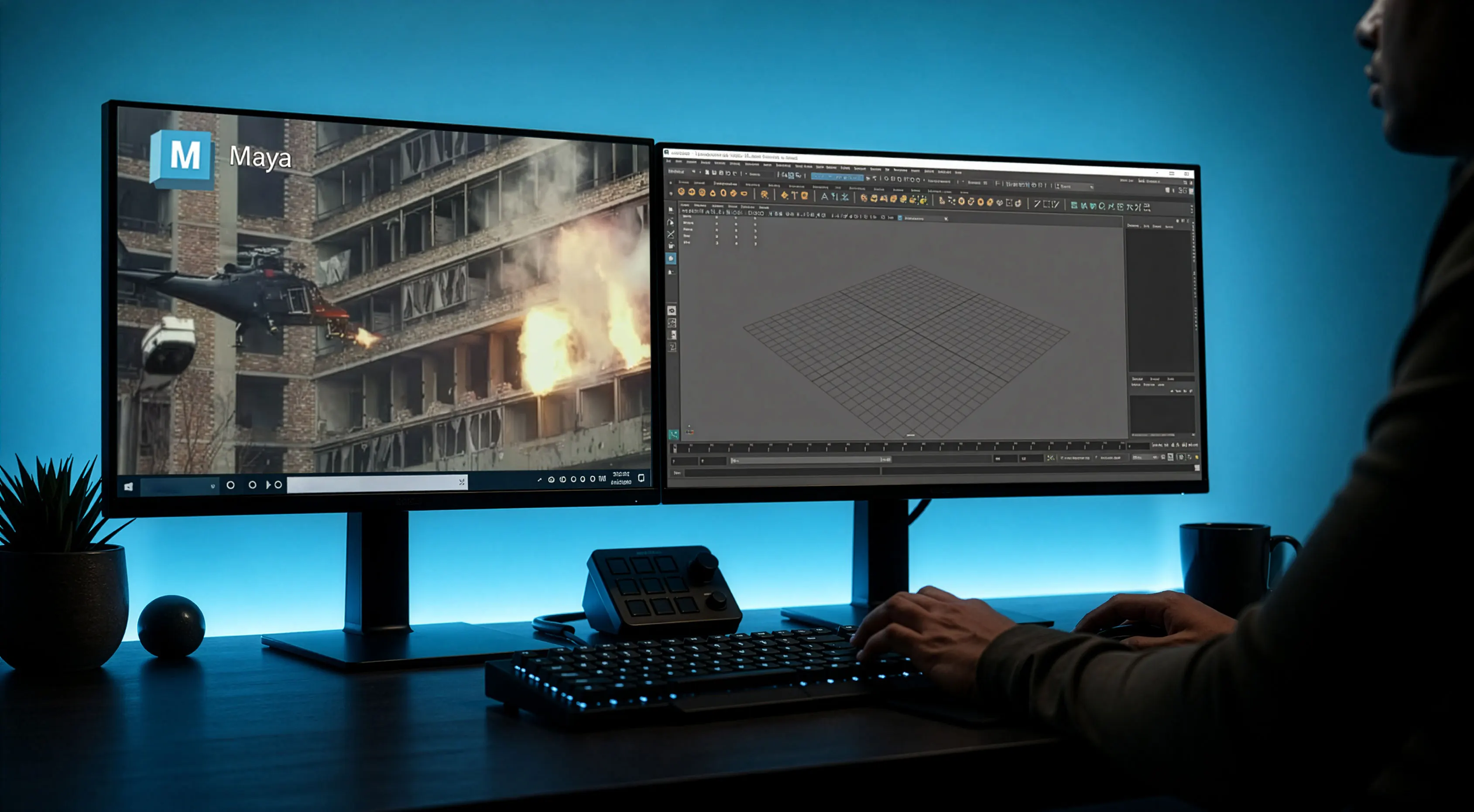
Powerful Maya render farm for fast 3D animation
Simplify your Autodesk Maya pipeline, boost creativity, and save time. Get instant access to hundreds of CPU and GPU nodes with expert support from actual 3D artists. Start rendering your next masterpiece today.
Trusted by 26,000+ artists and teams around the globe
















Fully automated CPU & GPU
Why choose GarageFarm for Maya rendering
Powerful. Scalable. Cost-Effective. Whether you're an independent 3D artist, animation studio, or VFX powerhouse, our Autodesk Maya render farm supercharges your workflow without the hassle of DIY limitations.

Accelerate renders
Get high-speed cloud computing power on demand and drastically cut down your rendering time.

Cut costs
Pay only for rendering, not hardware. Enjoy a more affordable and user-friendly experience compared to alternatives like Fox Renderfarm or Rebusfarm.

24/7 support
Tech support from actual 3D artists who know Maya and 3ds Max inside out.

Project support
Handle complex Maya project files, massive simulations, and high-poly scenes without hardware limits.
Built for the most demanding VFX pipelines
High-performance Autodesk Maya rendering
We understand that rendering with Maya can be incredibly resource-intensive and time-consuming. Finding the best Maya cloud solution shouldn't be a struggle. Our dedicated render farm for maya is designed to accelerate your workflow, ensuring high-quality results without the weeks of waiting. Whether you need a reliable render farm or raw GPU power, we handle the heavy lifting so you can focus on creating.
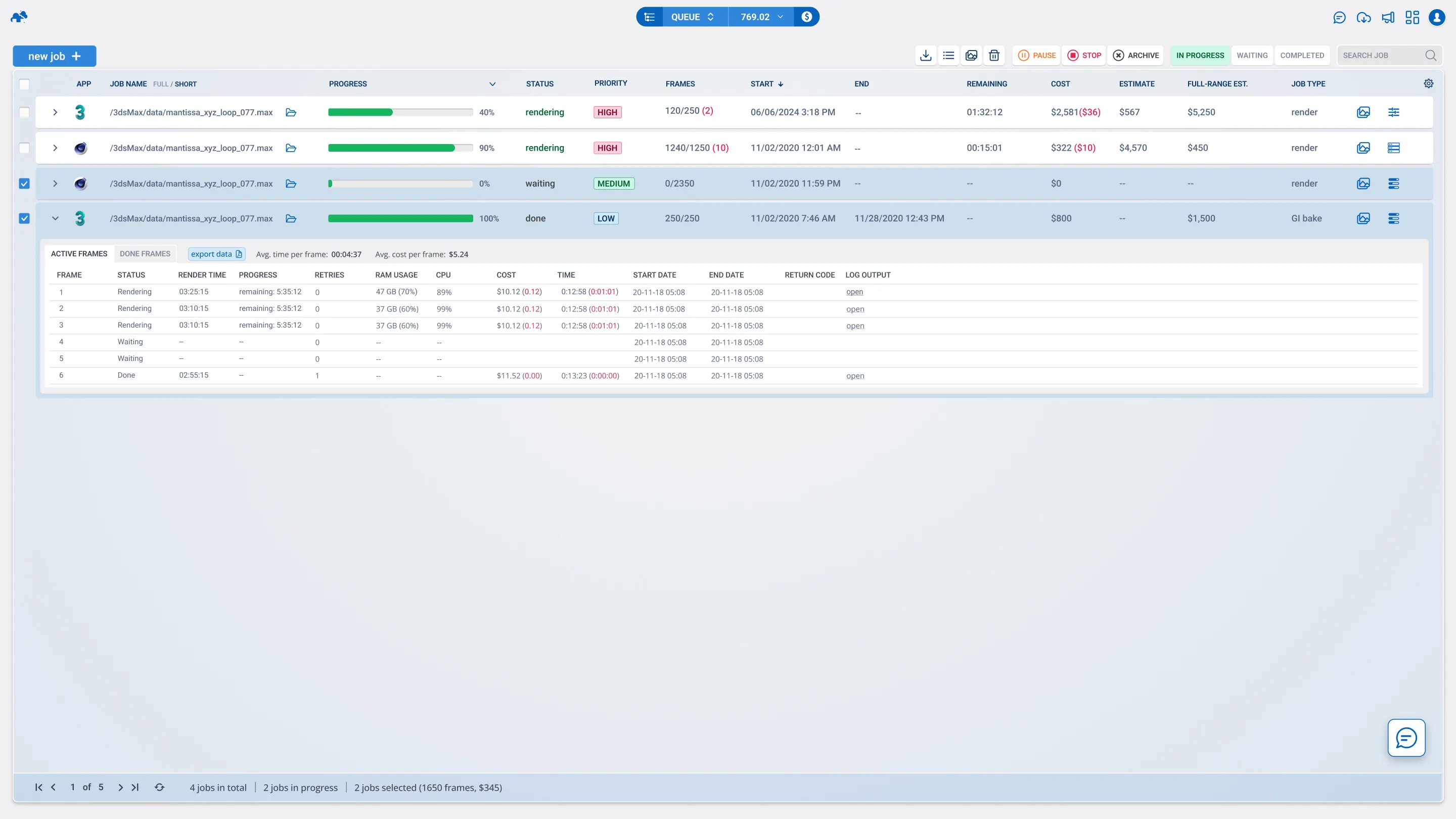
Supported software and render engines
We ensure seamless compatibility for your Maya project, as well as other industry-standard applications like 3ds Max and Blender. We support both Maya and Maya Creative/Lite versions.
Maya
render engines
supported OS
 Windows
 Mac
Mac
Supported Maya plugins
We support a vast library of plugins to ensure your maya rendering looks exactly as intended on your local machine.
results faster
Boost your render workflow & achieve high-quality results faster
Speed up your rendering workflow by offloading tasks to our professional node clusters. Our cloud render platform delivers unmatched performance, eliminating bottlenecks and streamlining complex workflows.
Cloud server rental (Xesktop)
Rent powerful NVIDIA rendering machines
Get flexibility and full control of the server
Servers with dedicated GPUs
Low cost, best GPU hourly price on market


Rendering Maya, VFX, and 3D animation projects at high speeds requires optimized GPU and CPU power. Our Maya cloud render farm delivers unmatched performance, eliminating bottlenecks and streamlining complex rendering workflows for architectural visualizations, photorealistic renders, and motion graphics.
Tutorials
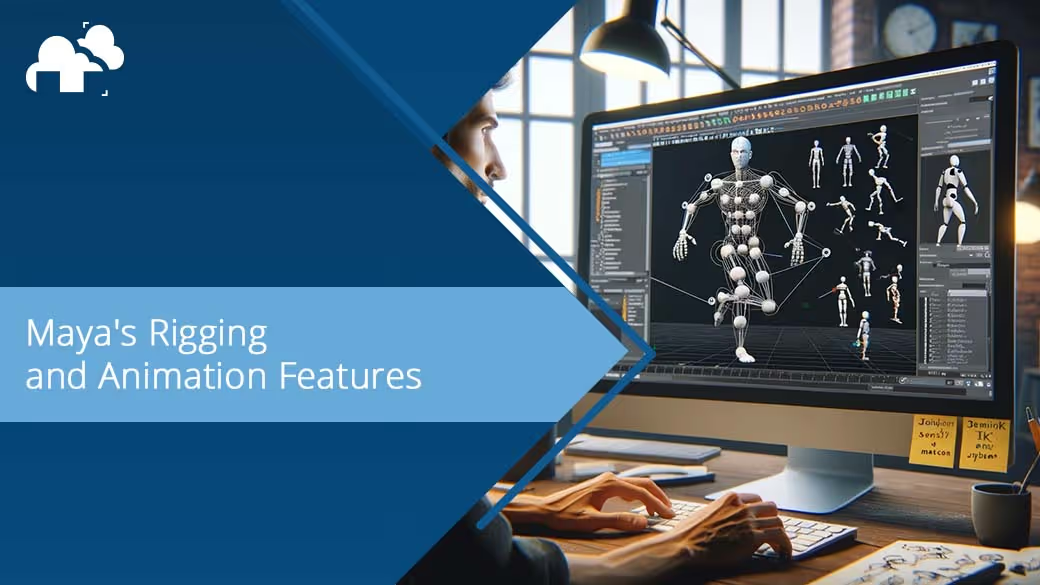
Maya tutorials & guides
.avif)
.avif)
.avif)
FAQ
Frequently asked questions
How do I upload my Maya scene?
Use our dedicated plugin directly inside Autodesk Maya. It collects all assets (textures, caches, proxies) and prepares them for the maya render farm automatically.
Which renderers do you support for Maya?
We support all major render engines, including, V-Ray, Redshift. Both CPU and GPU nodes are available depending on your chosen renderer.
Does the farm support rendering simulations?
Yes! We fully support Bifrost, XGen, and Yeti. Just ensure all caches are included in the upload via our automated assistant.
Join thousands of 3D artists already rendering in the cloud.

by David Aguero
Futuristic Pet Habitat
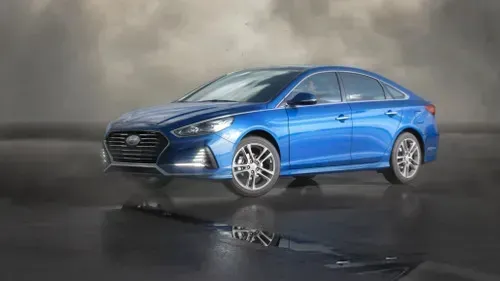
Hyundai Sonata
by Digital Tricker
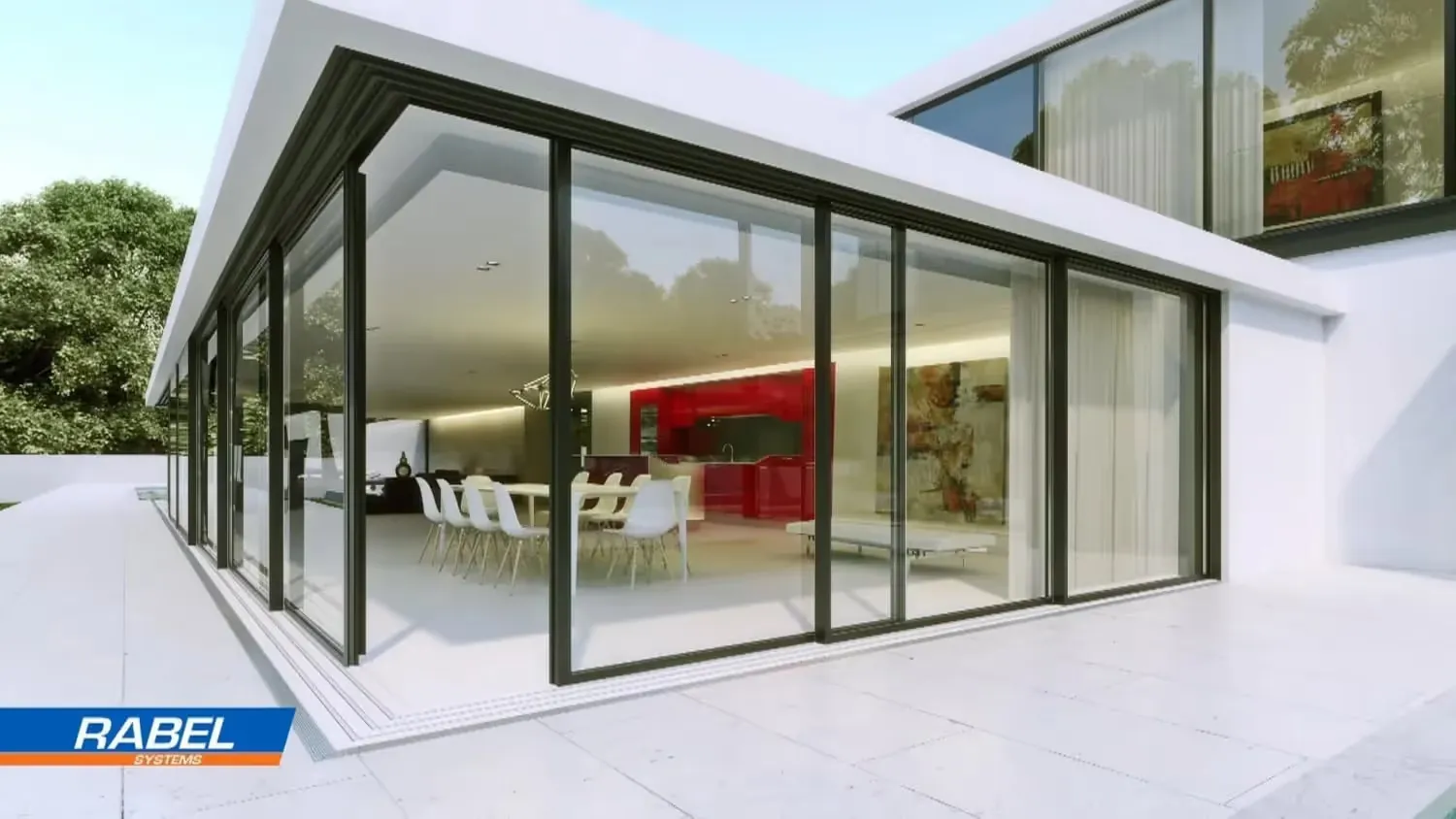
Luxury Home
by TECHART

Cooking with Fire
by Joel Best
24/7 render farm technical support
Need help?

E-mail us
Send us an email and get a response within just 30 minutes!
garage@garagefarm.net

Call us
Calls via Microsoft Teams, Google Meet, and Zoom upon request.

Chat with us
Chat with our render farm support in real-time
Start Chat
Security & Certifications
Reliable and secure
You can be confident that projects rendered at GarageFarm are secure


2M+ projects rendered successfully
We processed over 2 million projects worldwide, delivering consistent quality and speed for every user.

Holding ISO 27001 certification
We comply with the highest security standards, ensuring your data is handled safely and reliably.

Additional security through NDA
Projects are protected with NDAs, giving you complete confidentiality and peace of mind.
Calculator
Calculate your render times
Want to render your next project but unsure of the budget? Run a quick estimate to see how much time and money you can save with our render farm for blender.
How long will my project render on the farm?
How much will I pay to render my project?
What priority should I choose?